FOUNDER'S PRE-ORDER: Asset Kits & Project Files are Instant.
⭐⭐⭐⭐⭐ 5/5 Rating
From Default Cube to
Cinematic Render in 2 Hours
Learn how to create awesome post apocalyptic environments in Blender, no matter your skill level.
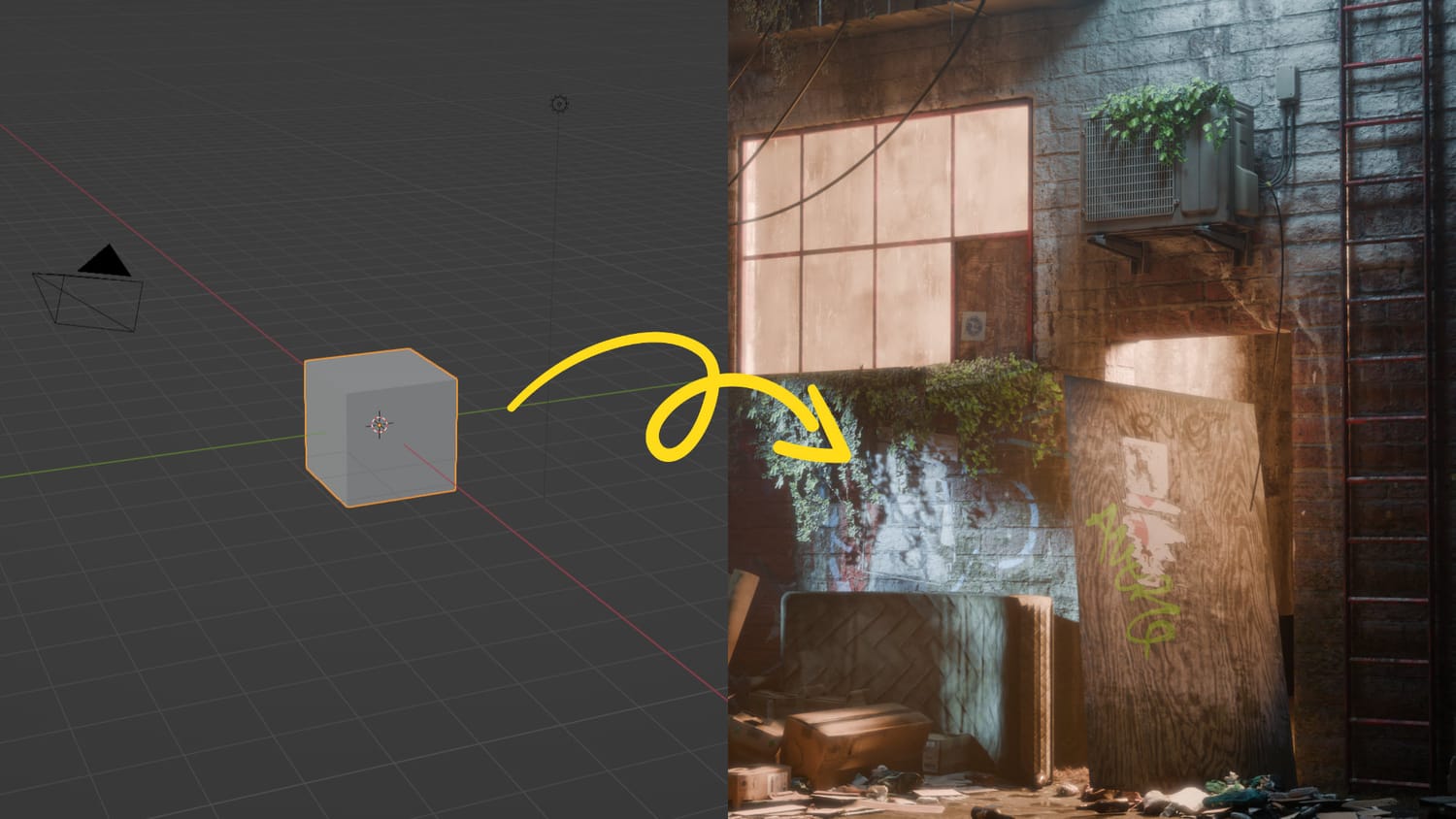

Course Breakdown
Chapter 1:
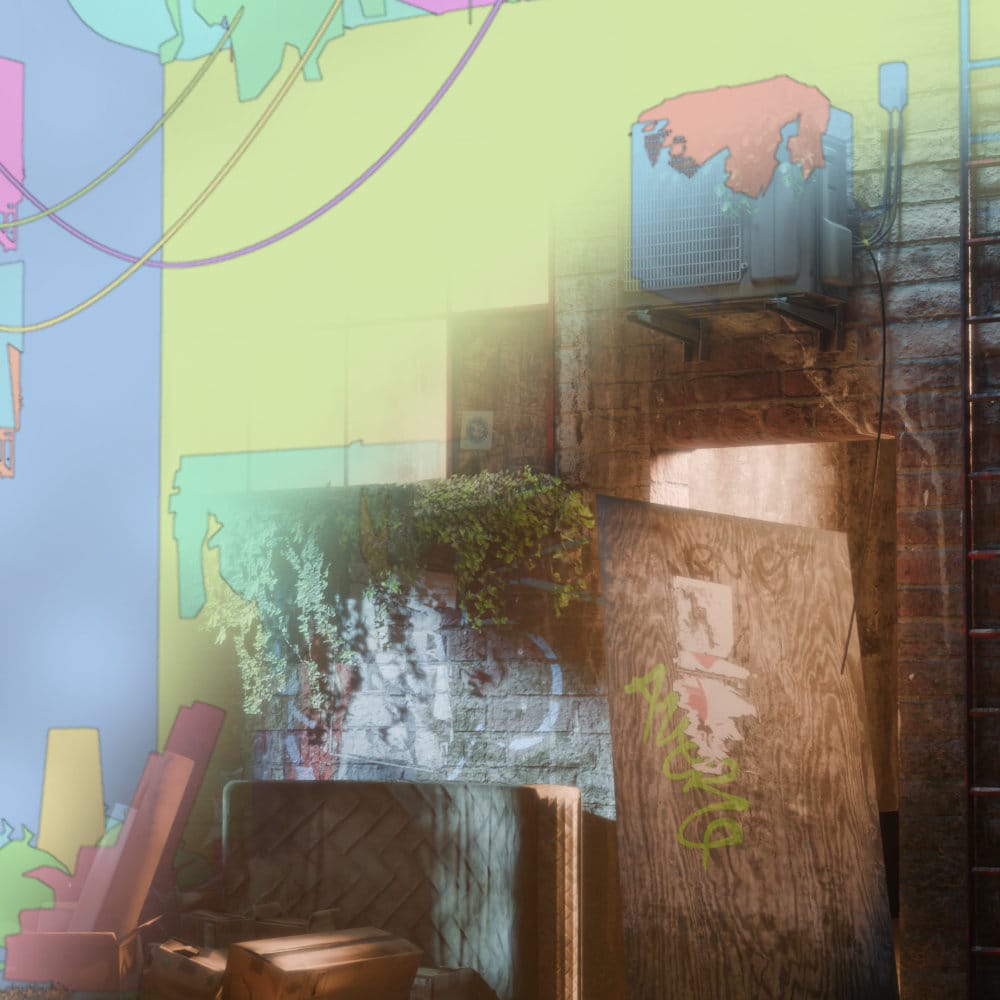
Blockout & Composition
Creating a cinematic environment rarely needs more than a few basic shapes to start. The blockout stage is the foundation of your entire project; being sloppy here can create a mountain of technical debt further down the line. We will focus on:
Establishing scale, silhouette and composition early
Using "Big, Medium, Small" shapes to balance the frame
Navigating the 3D space to find the most impactful camera angles
Chapter 2:
Advanced Materials
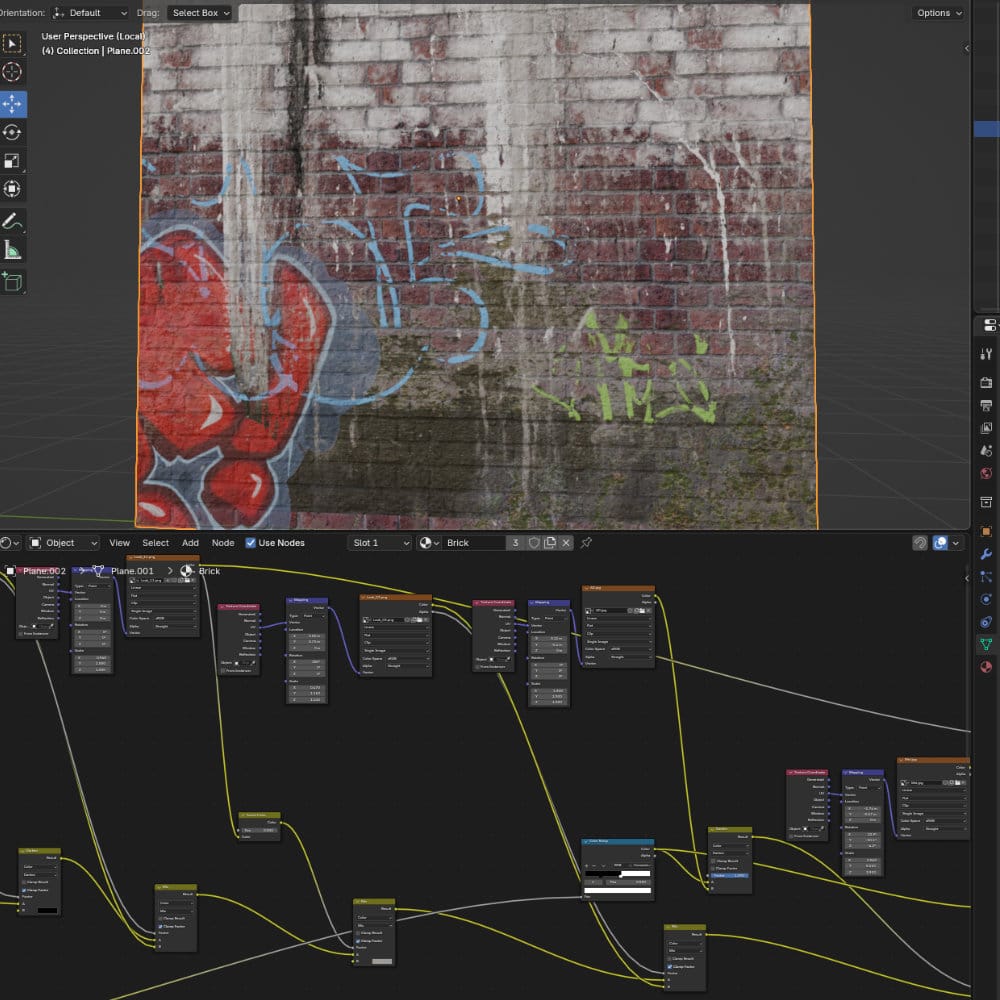
Materials do the heavy lifting in any high-end render. They are your shortcut to realism, but it’s more than just slapping on a seamless 4K texture. In this section, we dive into the Blender Shader Editor to:
Build custom, non-destructive shaders
Layer grime, wear, and history onto your surfaces
Master the balance between reflectivity and roughness
Chapter 3:
Set Dressing
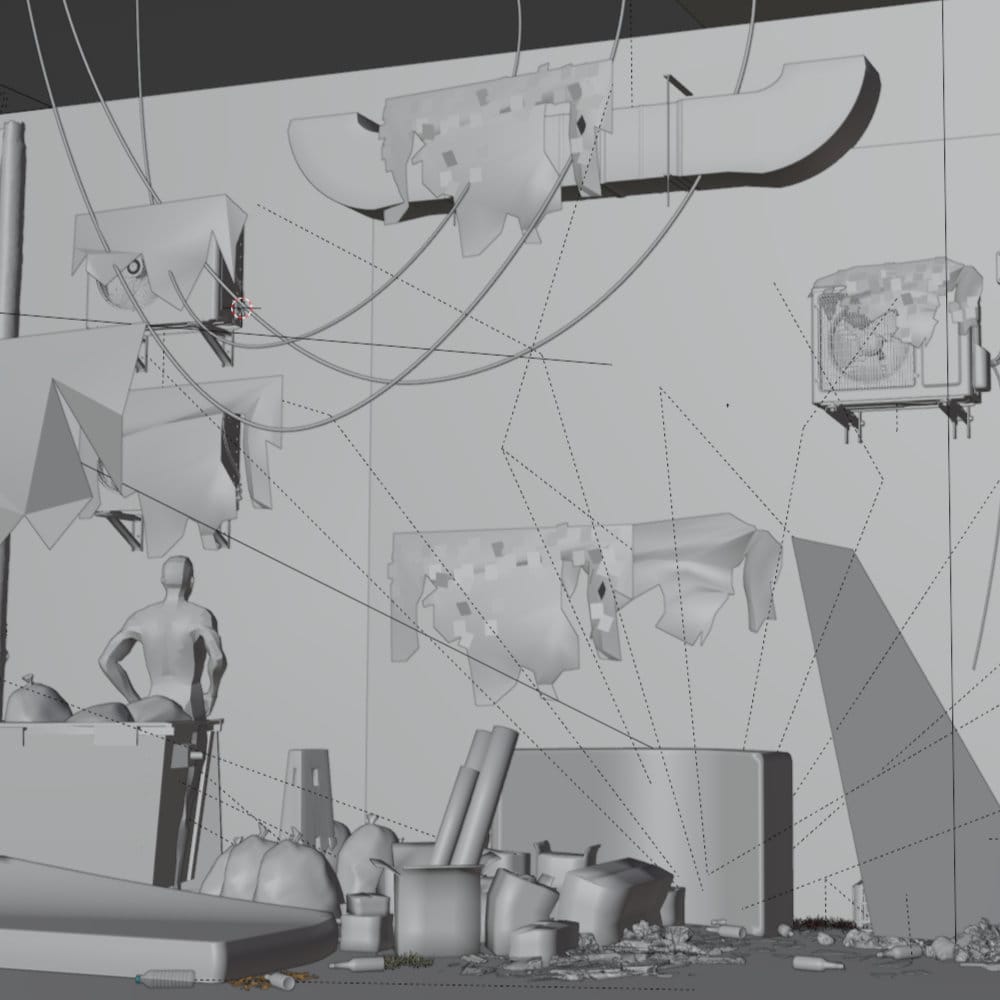
A post-apocalyptic world lives and dies by its "clutter"—the decayed barrels, litter, and debris that tell a story. We cover the art of environmental storytelling without breaking your budget or your computer. You’ll learn:
Efficient placement strategies to fill large areas quickly
How to manage high object counts using instancing
The logic of "controlled chaos"
Chapter 4:
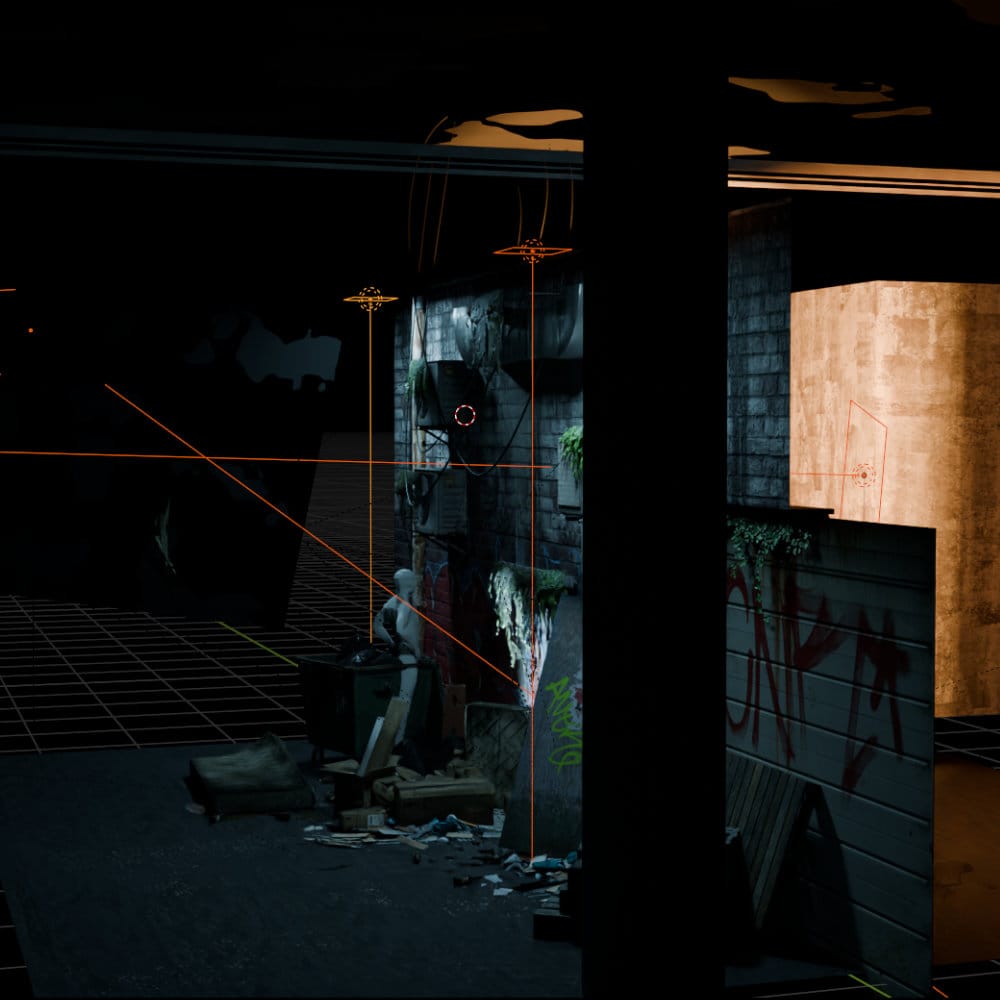
Lighting & Volumetrics
You can have perfect models and 8K materials, but if the lighting is flat, the mood is gone. Lighting is the final glue that creates atmosphere and vibes. We will explore:
Key, Fill, and Rim lighting for environmental depth
Using light and shadow to guide the viewer's eye
How to use volumetrics for cinematic atmosphere
Chapter 5:
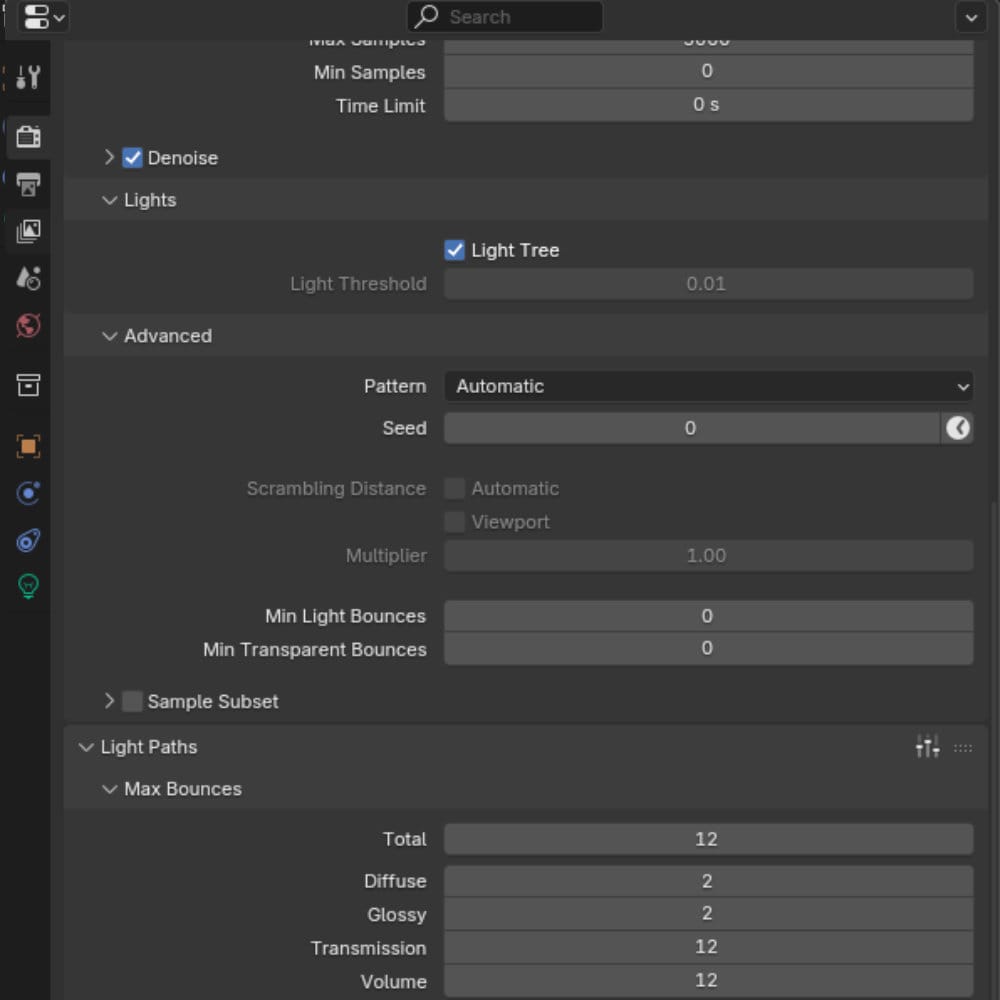
Rendering & Optimization
Don't let long render times kill your creative momentum. We’ll look at how to maintain crispy, sharp quality while slashing your wait times. This section covers:
The "Sweet Spot" settings for the Cycles engine
Using Denoising effectively without losing fine detail
Optimization tricks for standard hardware
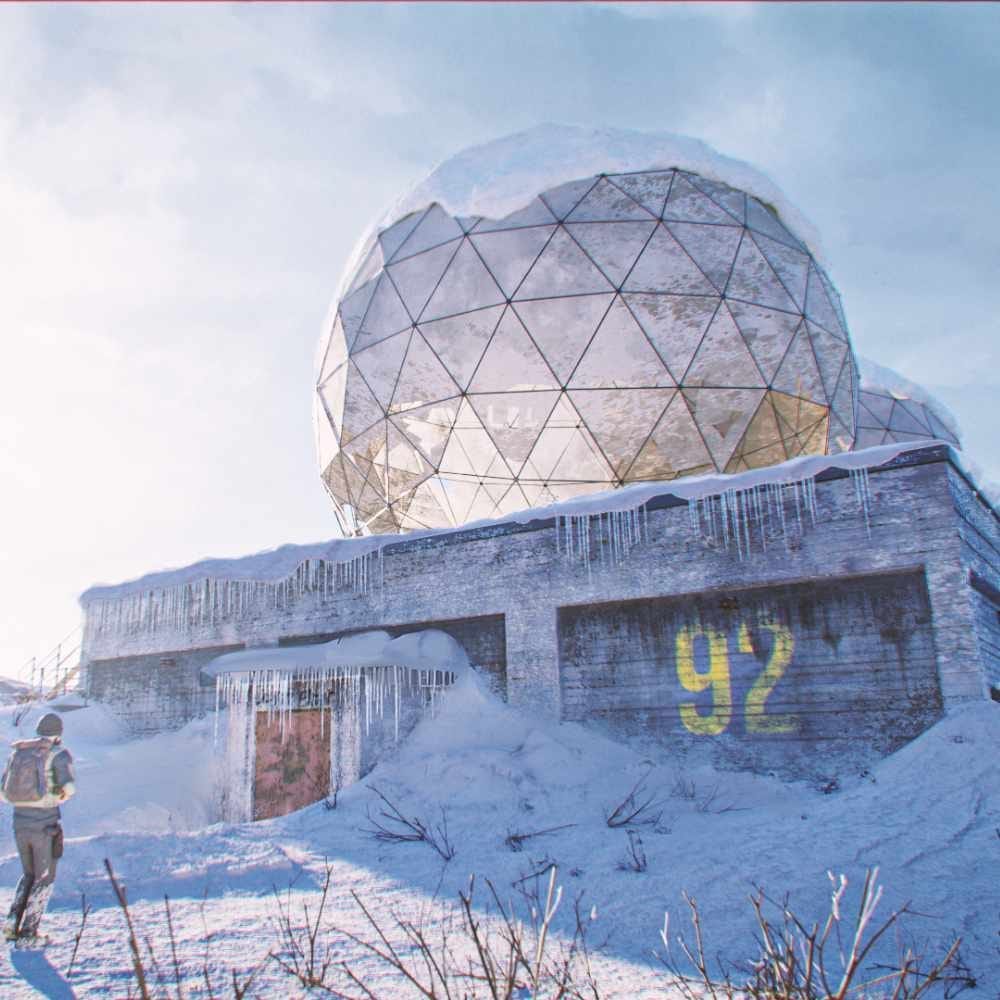
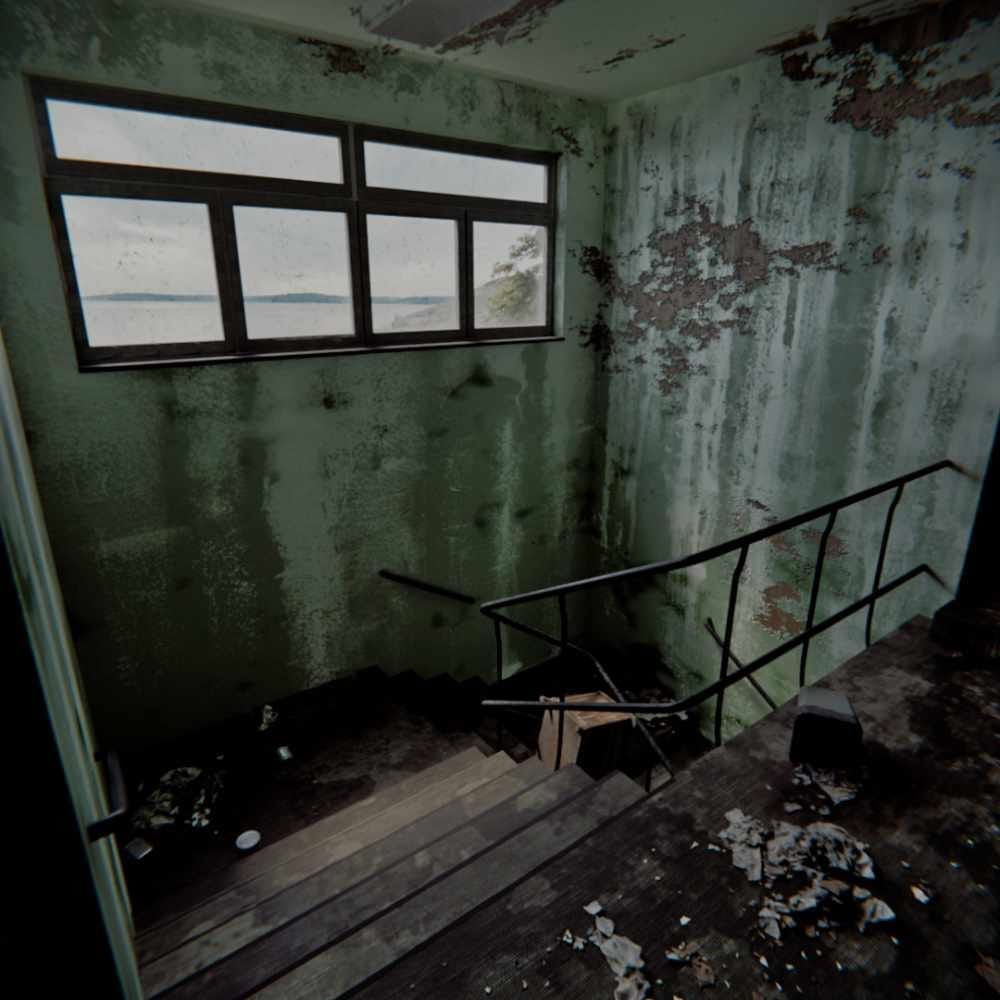
One Workflow. Endless Worlds.
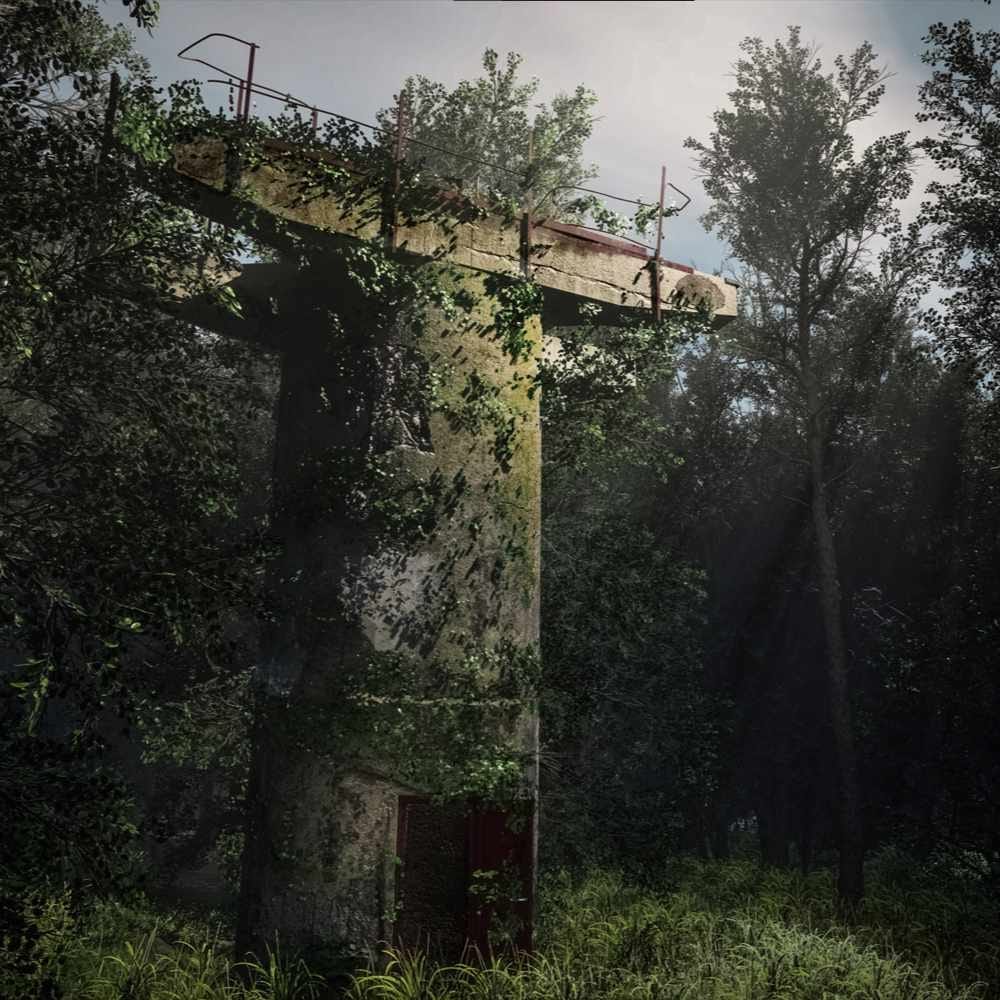
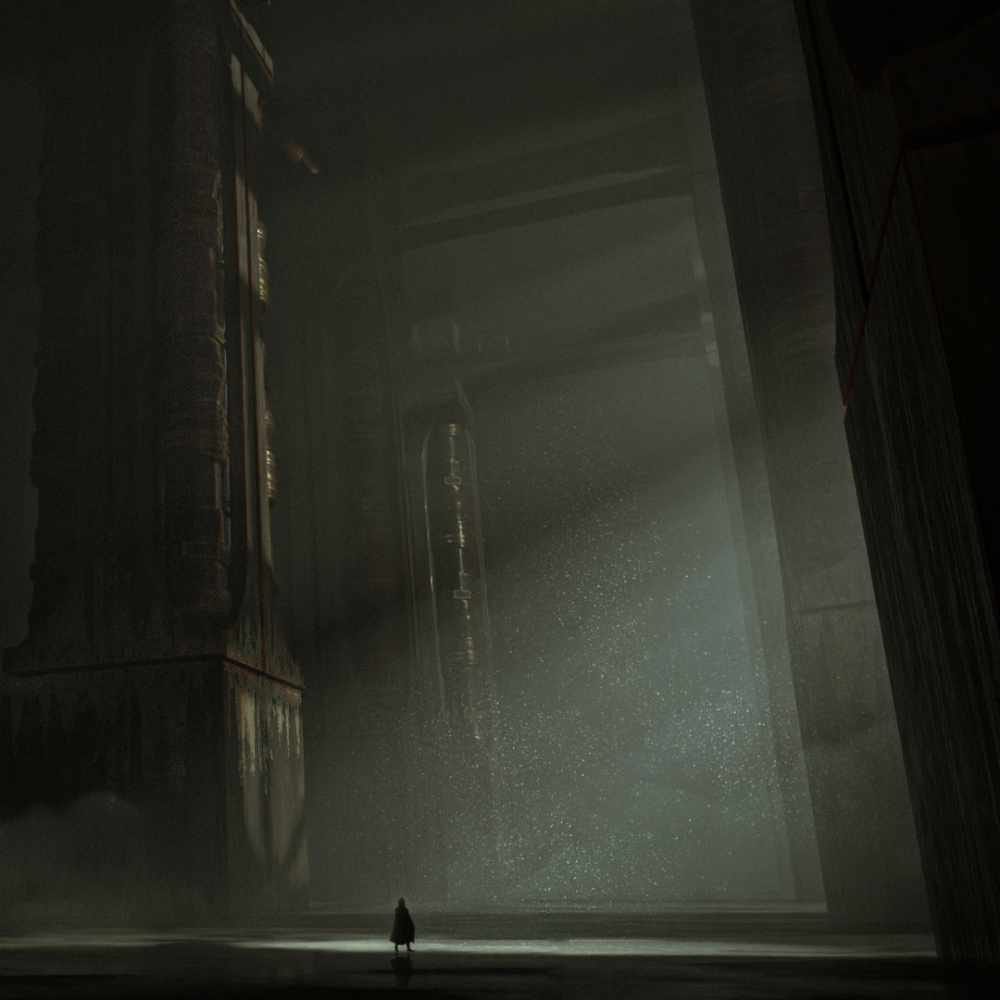
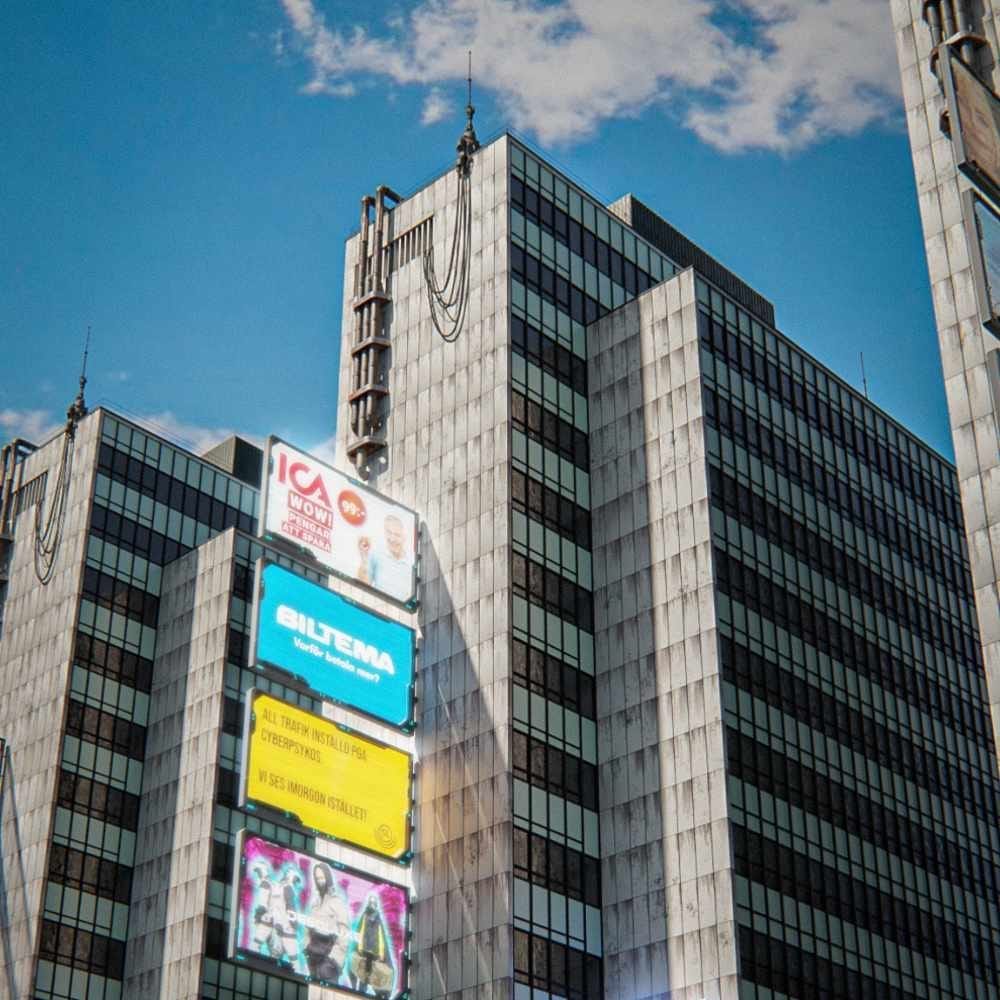
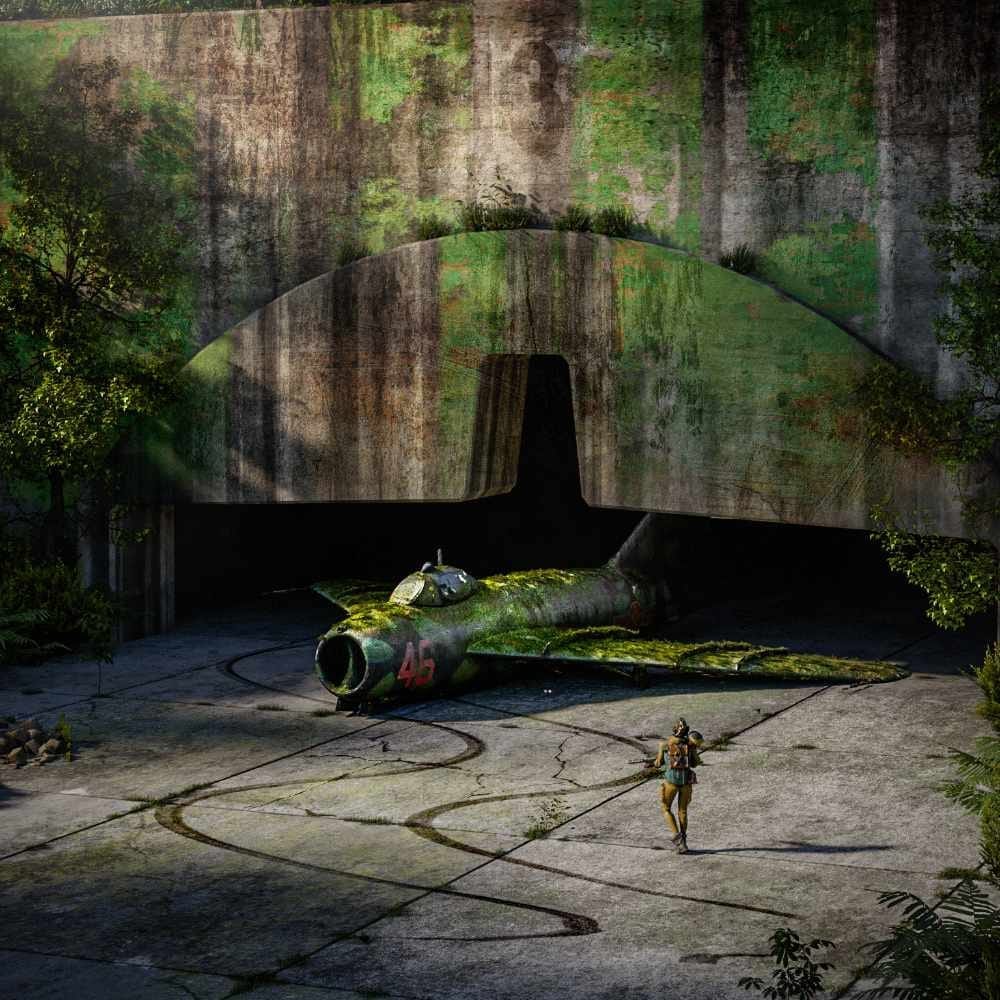
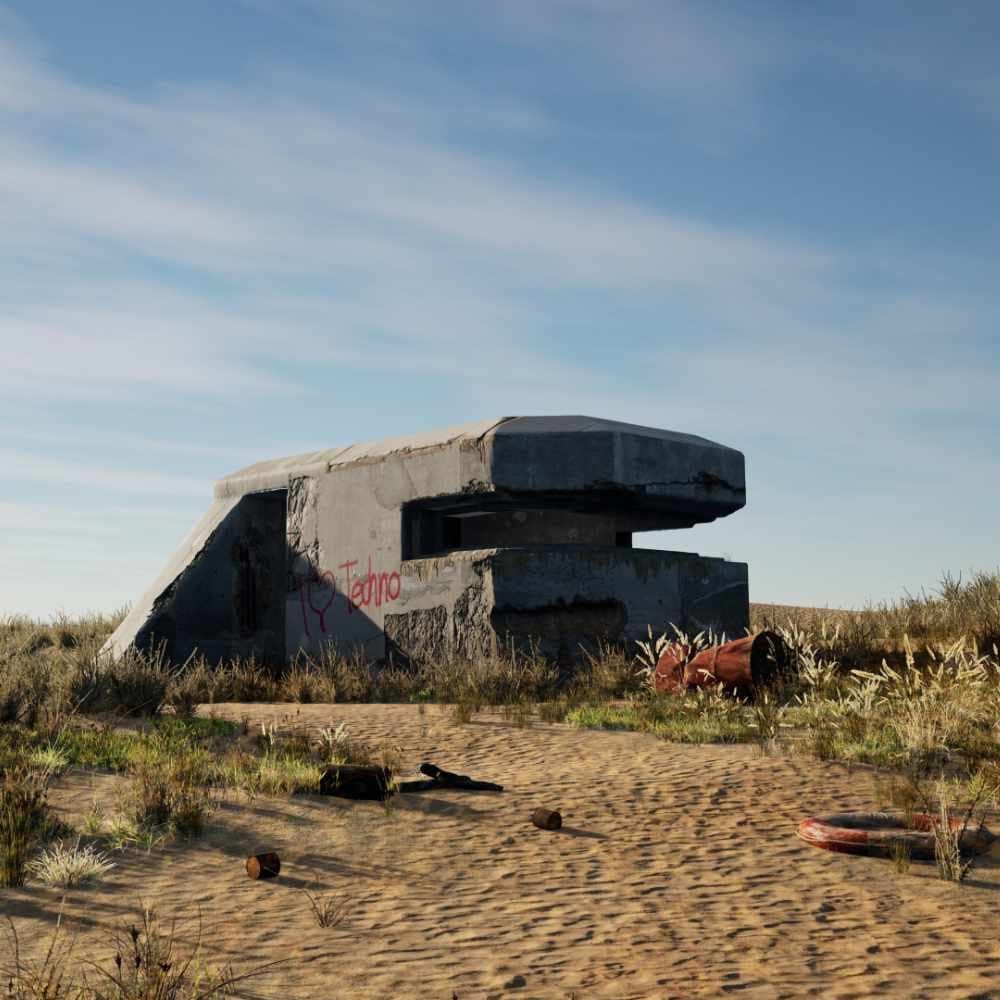
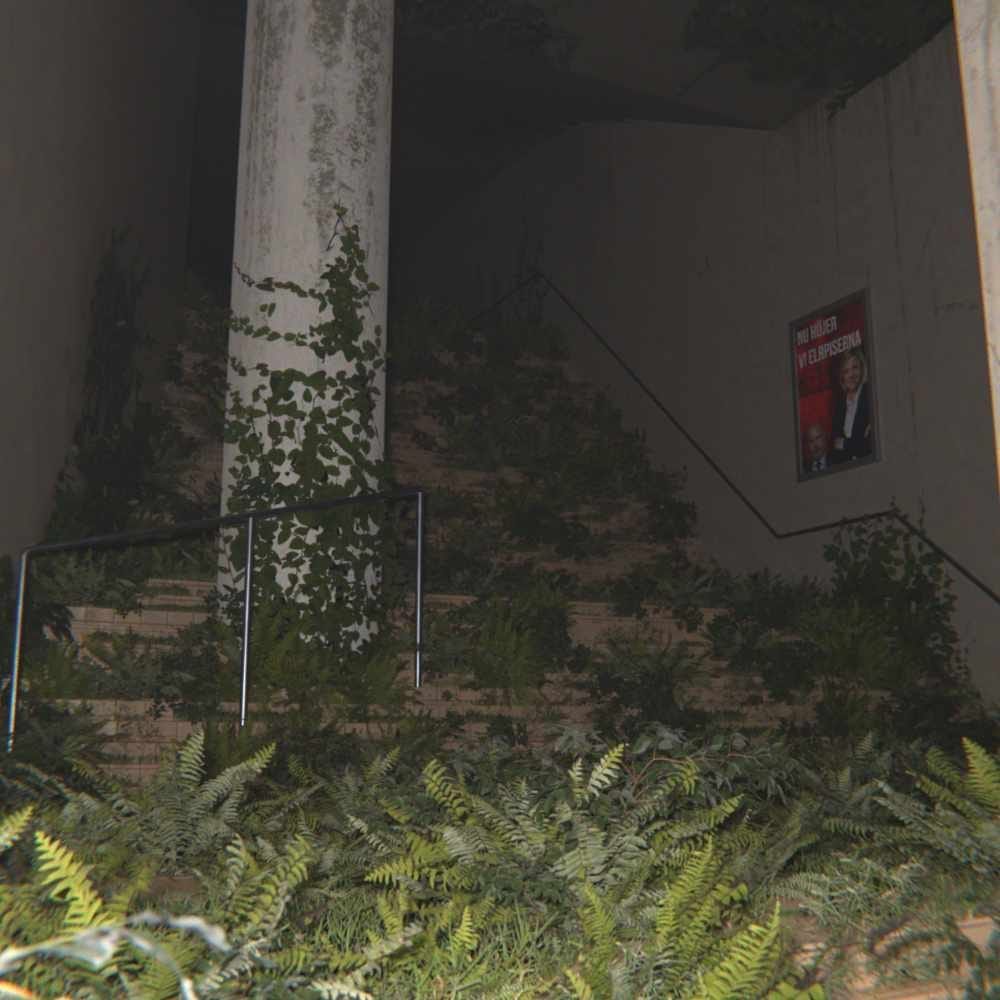
The Anatomy of Decay isn't a one-off tutorial; it’s a systematic approach to environmental storytelling. Every scene below was built using the exact same principles of scale, lighting, and "forensic" detail you’ll master in this course.
Included Bonuses
As a way to celebrate our Pre-Launch of Anatomy of Decay, we’ve completely packed it with free stuff to give you a huge value pack for a fraction of the price. And you know what else? As a founding member, you only pay us once, but keep getting new courses, tutorials, assets, and reference packs for the rest of your life, without any extra charge or hidden subscriptions.

Project Files
Don't just watch me build it—get under the hood and explore the scenes for yourself. By downloading the exact files used in the masterclass, you can deconstruct every decision I made, from the first blockout shape to the final render setting.
Download the complete .blend file
Deconstruct the final render
Access my custom node groups and shader setups
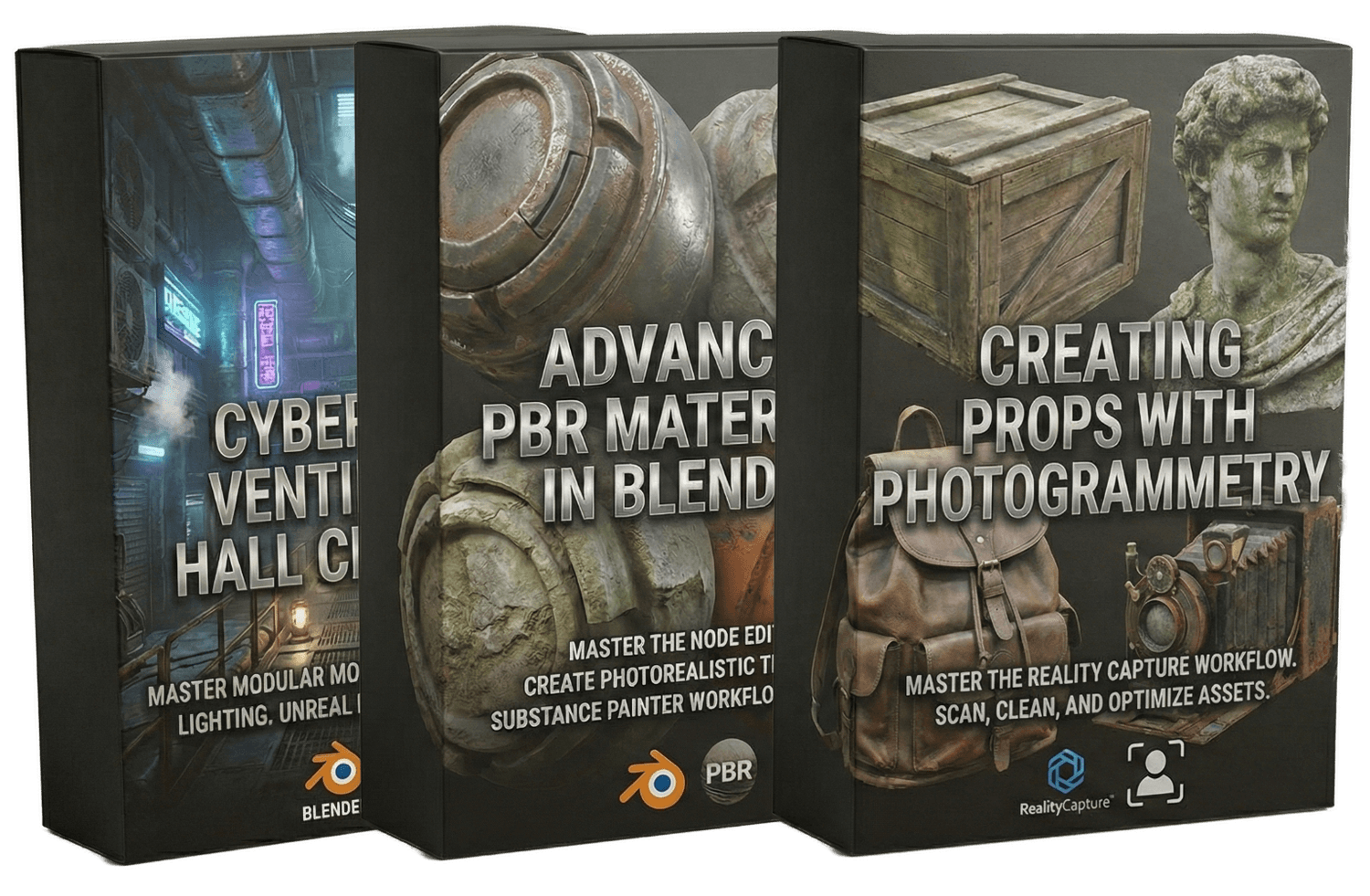
Environment Courses
We have more courses in the pre-production stage; if you're into 3D art or want to learn it, this will be one of the best investments you can make for your art career.
Create cinematic dystopian scenes from concept to final render
Shortcut your workflow with photogrammetry
Build custom 4K PBR materials that stand up to close scrutiny
Automate node setups to spend more time on art, not menus
3D Models
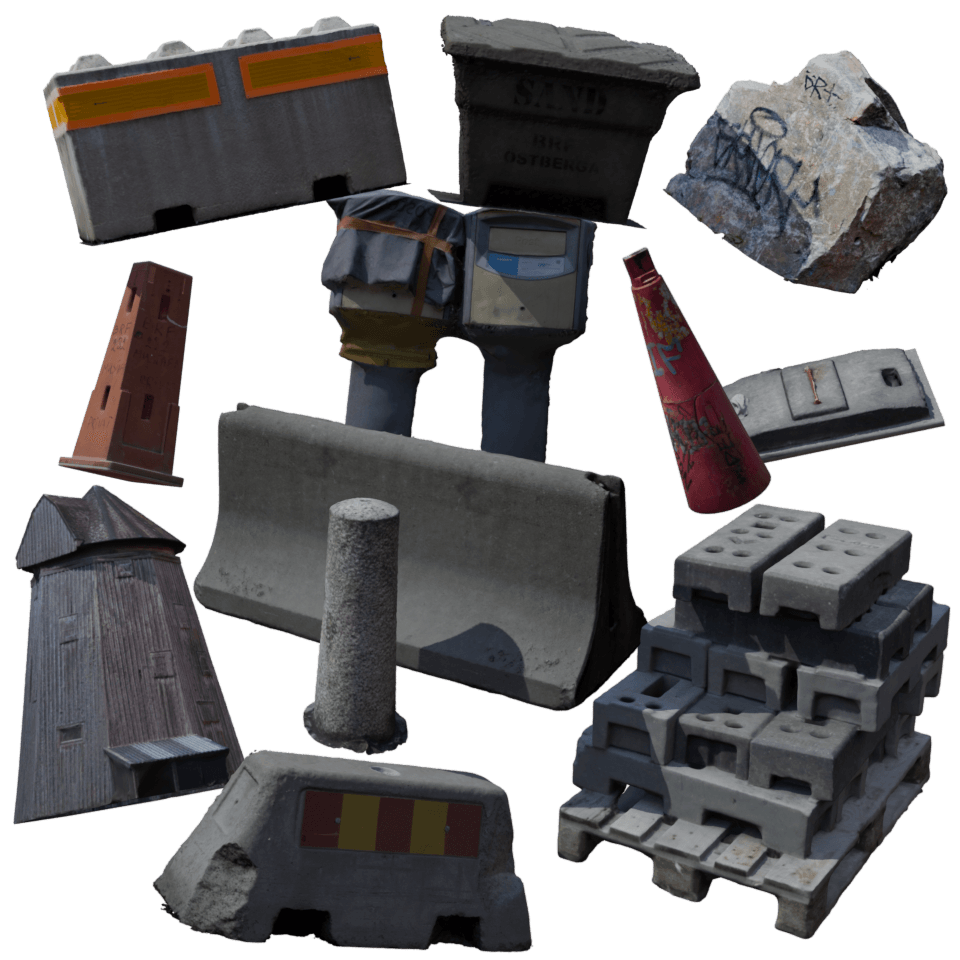
For every course we record, we create a bunch of 3D models that you can use directly and follow along with. These are captured by our team out in the real world, which ensures you get models that reflect real-life decay.
Captured from real-world decay
Optimized for rapid kitbashing
A versatile collection of heavy debris and structural elements
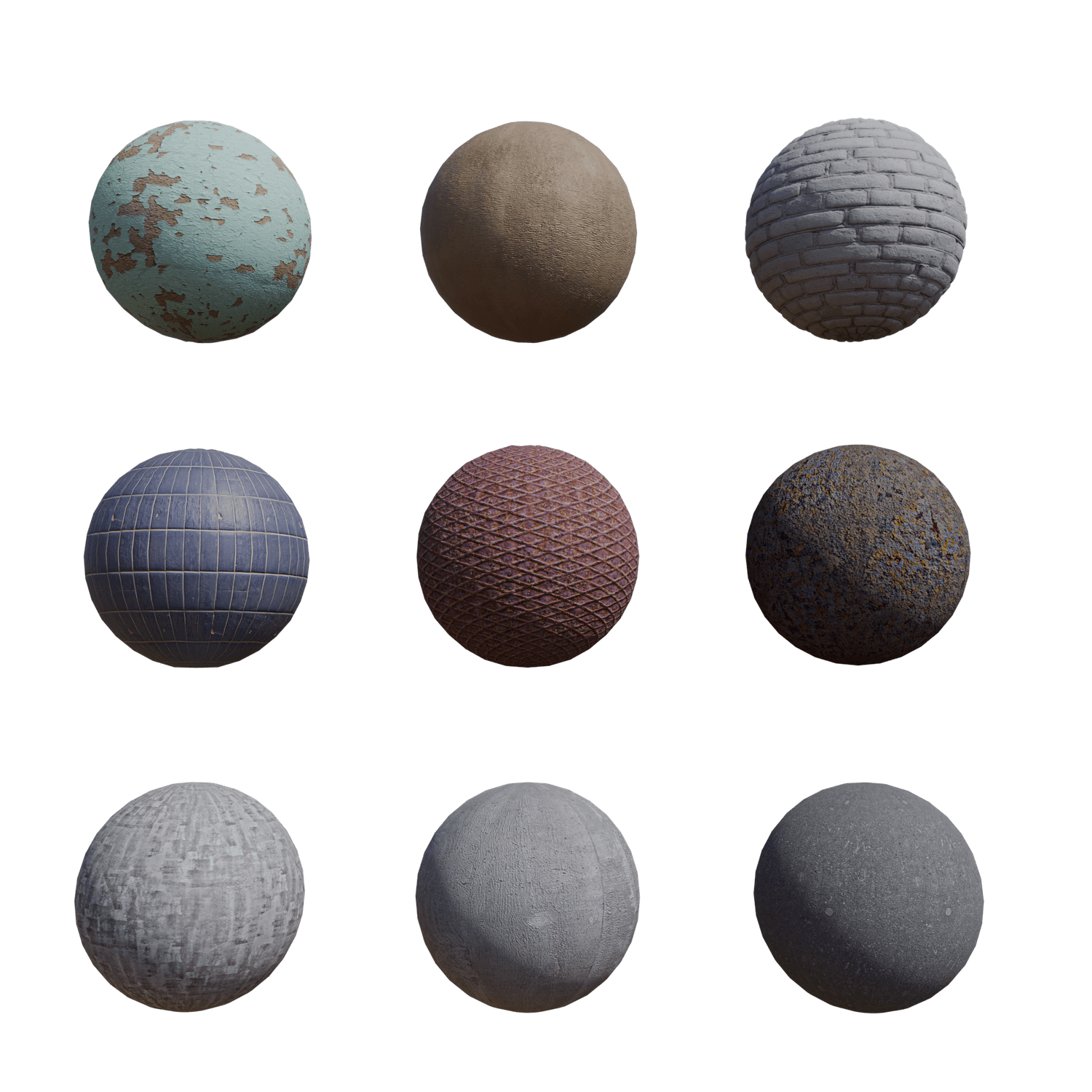
Smart PBR Materials
Just like with our 3D models, all of our materials are captured IRL, which opens up endless variations and textures. You also get our "smart" materials inside of Blender; these are premade to look good with our repetition and have lots of customization.
Captured from real-world ruins
"Smart" shaders that automatically apply wear and tear
Fully customizable node groups
Surface Decals
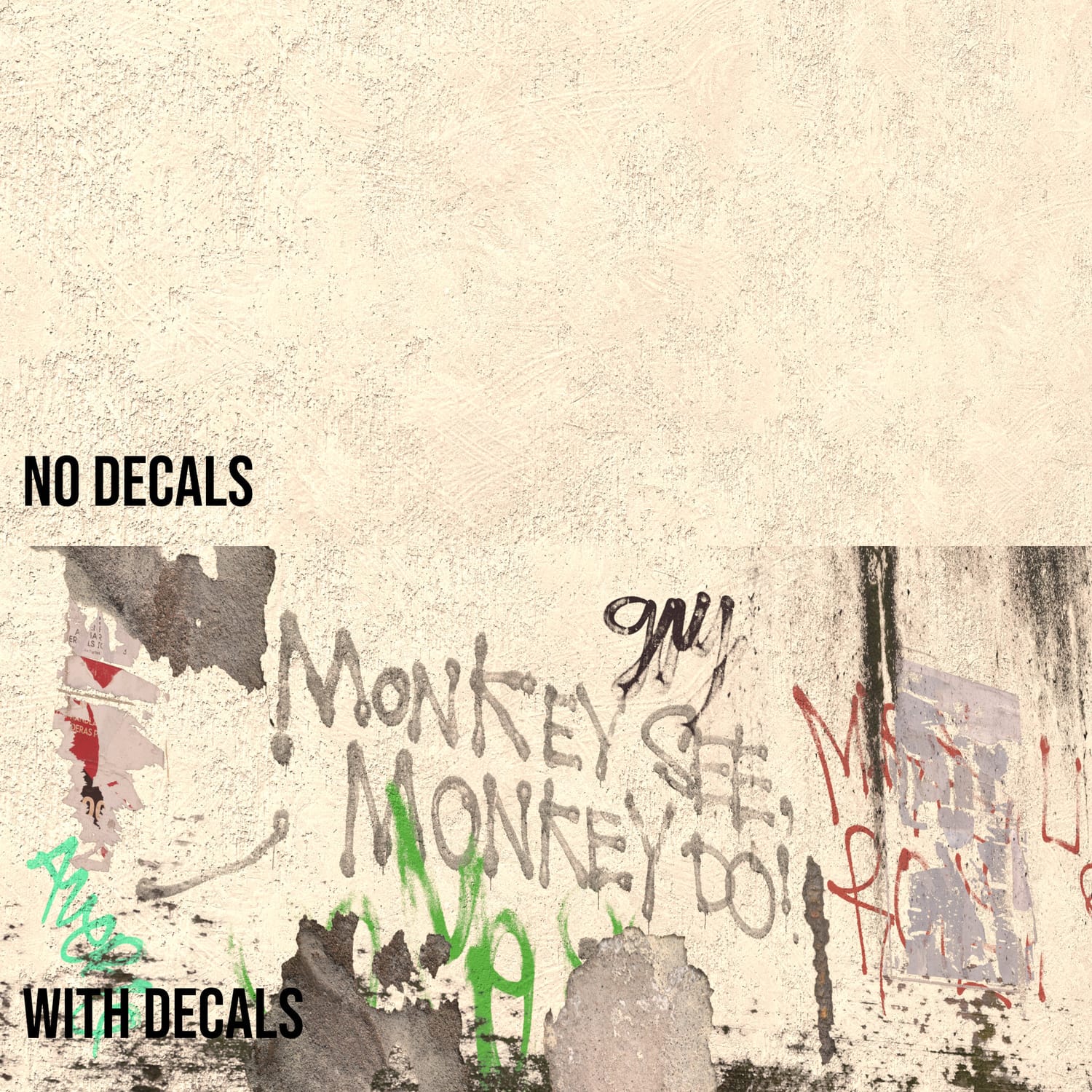
Surface decals are really the cherry on top. While only being a flat plane, they add dimension, wear and tear, and depth to any surface they’re applied to. A simple decal on a boring wall takes 10 seconds to apply but makes it look like you meticulously sculpted crack or hole.
Drag and drop high-resolution details
Adds instant depth and dimension to flat surfaces
Includes water stains, trash, graffiti and much more
Discord Community
Art can be a lonely grind, but you don't have to do it alone. Join a dedicated squad of environment artists to level up faster and never get stuck on a technical problem again.
Get instant feedback and troubleshooting help
Direct access to me and the team for critiques
Connect with like-minded artists

Meet Your Instructor
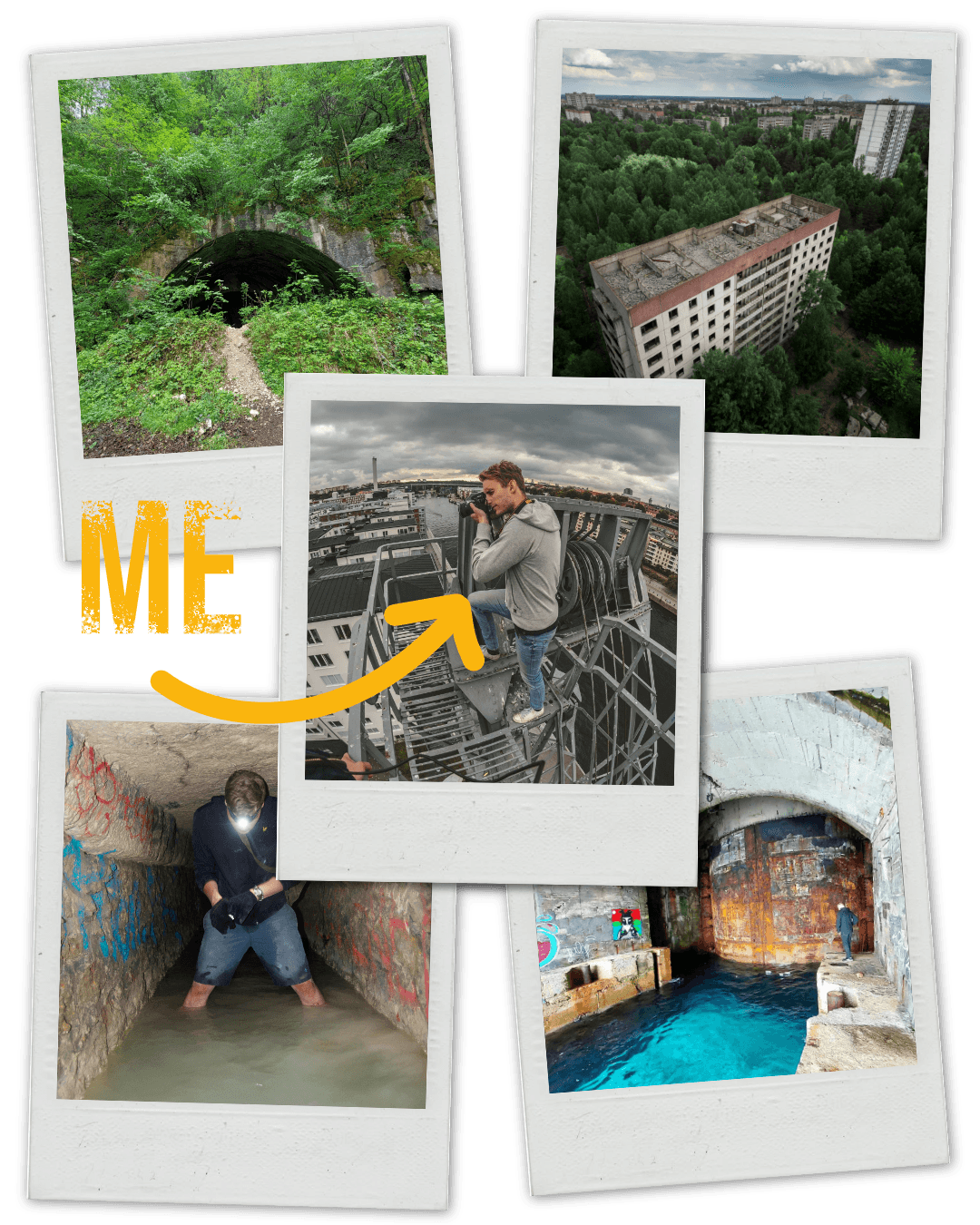
I’m a photographer and explorer at heart. For over 15 years, I’ve traveled to abandoned locations to document the beauty of decay through my lens. I translate that decade of real-world observation into 3D art that feels grounded and authentic.
I started my own Blender journey during the lockdown, proving you don't need decades of 3D experience to create professional art, you just need the right eye and the right workflow.
15+ years of urban exploration experience applied directly to 3D design
My work has been featured on BlenderNation, ArtStation, WoWHead, and top Reddit communities
I teach the exact "no-bs" methods that took me from beginner to featured artist in record time
Secure Your Founder's Price
Lock in the Founder's Deal. Join today to get the complete Masterclass, the full Asset Kits, and the Smart Material Library for one low price. Plus, guaranteed access to every future expansion dropping in 2026.
What's Included:
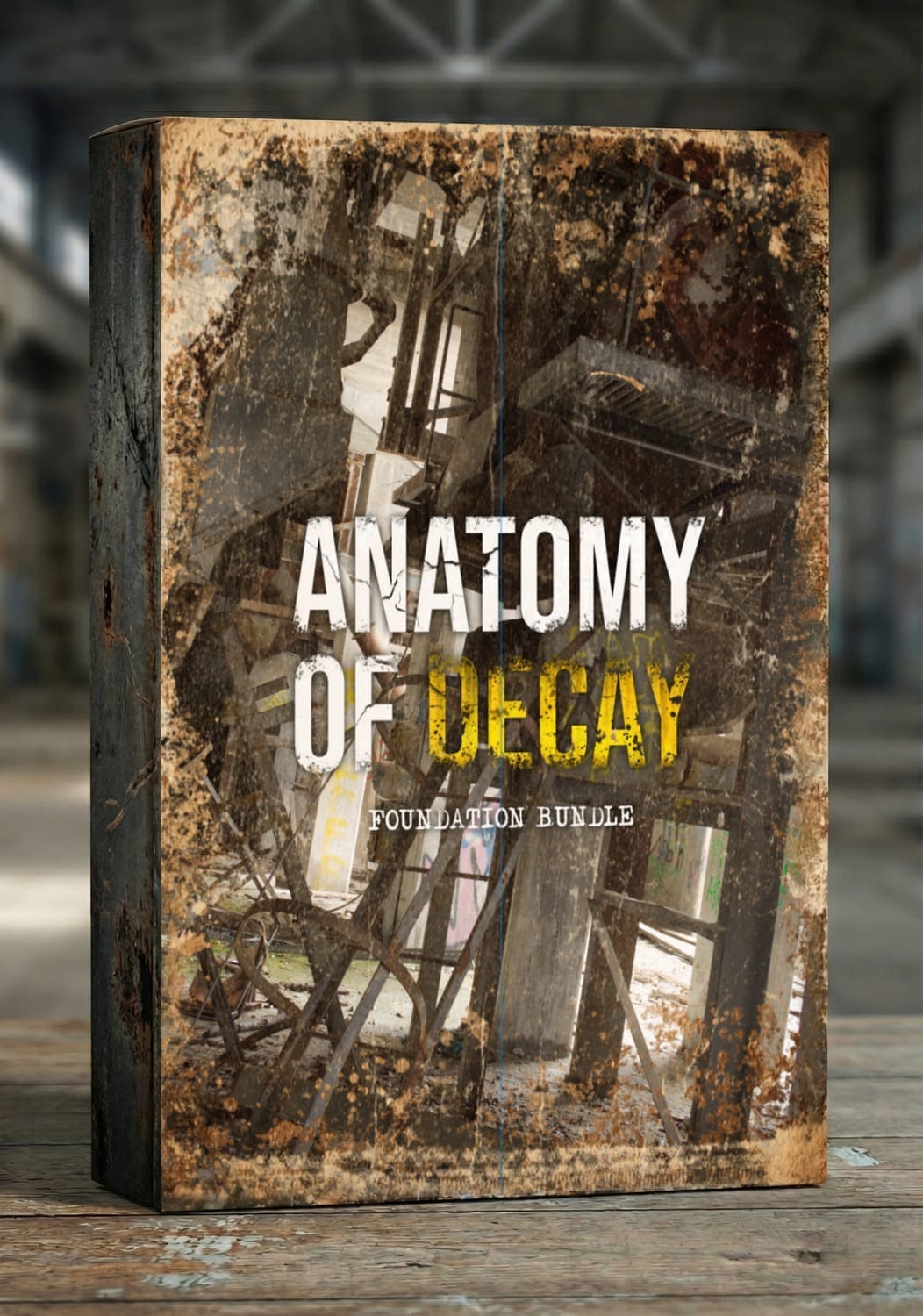
Anatomy of Decay Masterclass
Complete .blender project file
The Complete 3D Asset Kit
The Decay Smart Material Library
Urban Decal Library
All Future Environment Courses
Discord Community Access
Lifetime Access & Free Updates
Retail Price:
$576.00
Today's price:
$49.00
Frequently Asked Questions
Can I use these for commercial client work?
Yes. Your purchase includes a perpetual, royalty-free commercial license. You can use these assets for freelance projects, indie games, major motion pictures, and advertising. The only restriction is that you cannot resell the photos, scans, or assets.
Are any of these assets AI-generated?
Absolutely not. Every file in this archive is a real-world capture. No AI upscaling, no hallucinated textures, and no physics-breaking artifacts. You are getting the raw optical data of photons hitting a sensor in a real location. This ensures the lighting and structural logic are 100% honest.
Do I have to pay extra for the future updates?
No. When you buy the Foundation Bundle today, you are locking in lifetime access. Every 3D model, video study, and technical course released throughout 2026 will be added to your account automatically. You won't be charged again as the library grows.
What specific file formats am I getting?
For the photo archive, you receive high-megapixel RAW files in .DNG, .CR2, or .NEF formats, along with high-quality JPGs for quick reference. The 3D data include standard formats like .OBJ or .FBX, and textures will be provided as high-bit-depth .TIFF or .EXR files to ensure they work in any professional pipeline.
How do I receive the files?
Immediately after purchase, you will receive a secure link to download the zip archives. We host the data on high-speed servers so you can get the files into your project and start working within minutes.
What if I have trouble with a download?
I handle support personally. If a link expires or a file is corrupted during a large download, just reach out via the contact email in your receipt and I’ll get it sorted for you.
Get Your FREE Sample Pack
3 Props (Scans & cleaned)
2 Photogrammetry Scene Scans
7 Decals
4 PBR Materials
15 Reference Photos
5 Reference Videos
I HATE spam. Your email address is 100% secure and you can opt out any time.