Blender Decals Without The Hassle
Add, position and blend decals directly in the viewport, no need for complex nodes!
REVIEWS

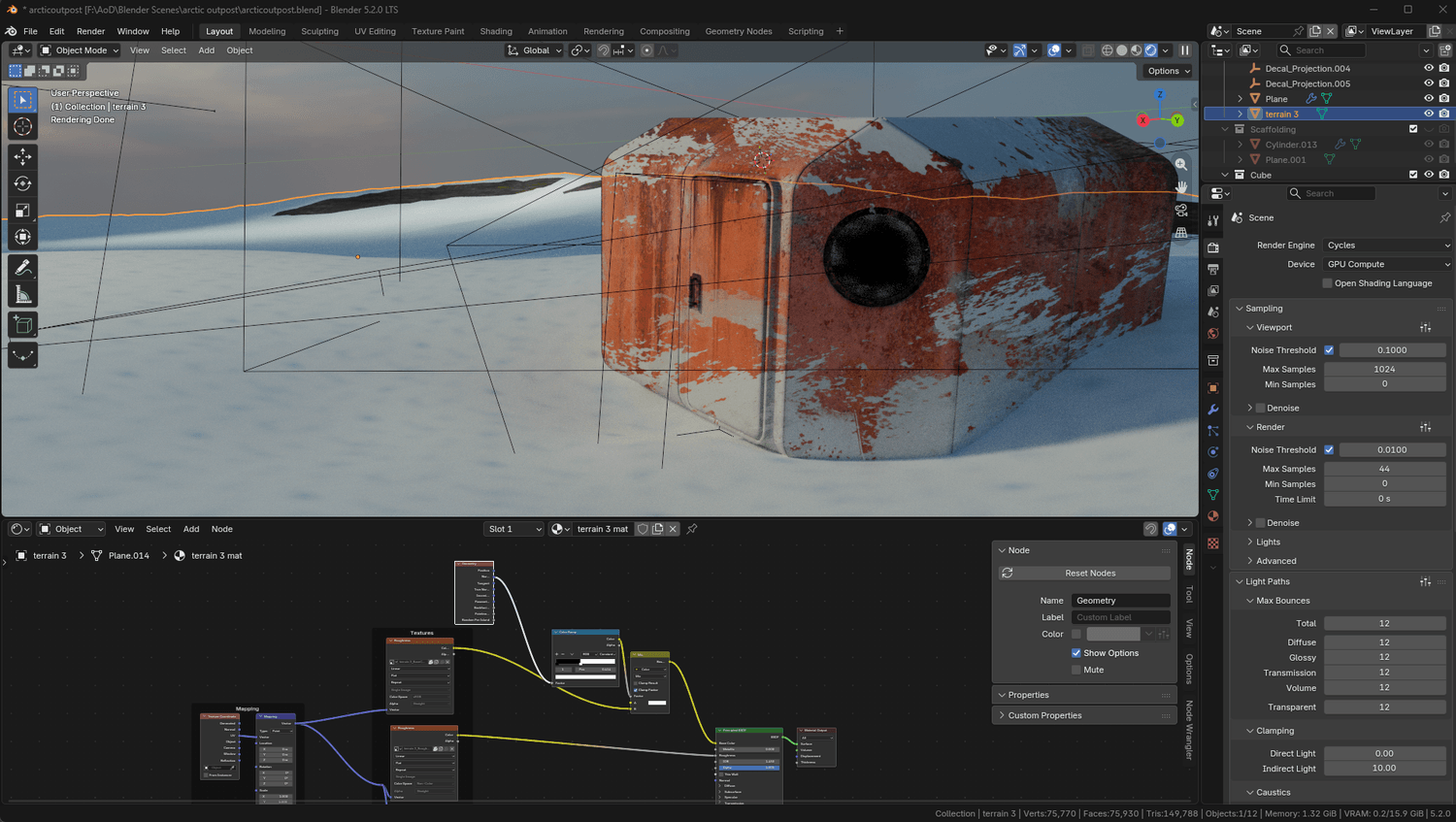
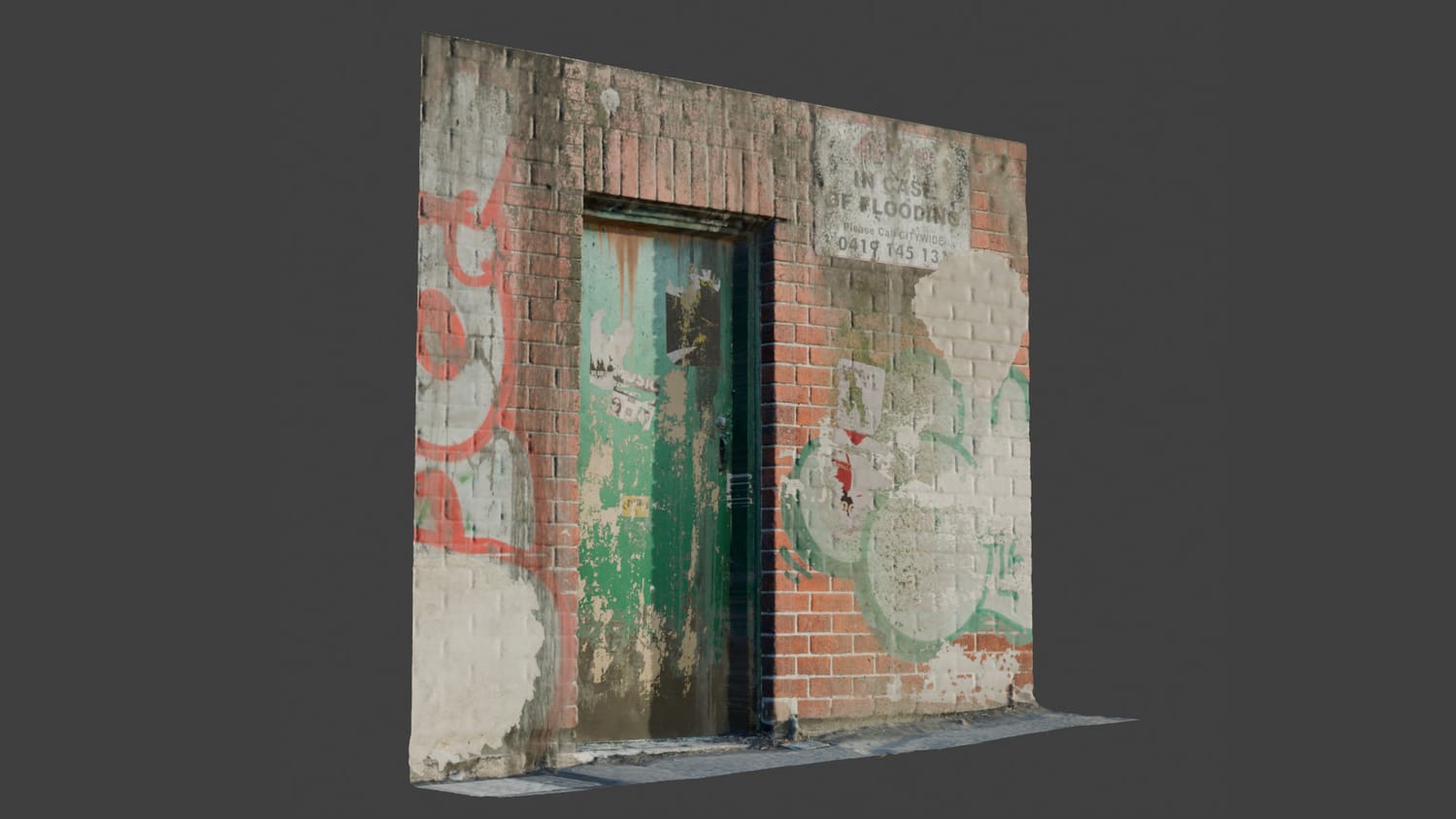
From Clean to Lived-In in Minutes.
The little details make all the difference. Add grime, damage, graffiti and wear to turn clean surfaces into believable environments.
Both examples took less than 5 minutes to create.
A Much Simpler Way to Work With Decals.
01. Pick & Spawn
Choose a decal and hit "Spawn Decal". No UV unwrapping, no shrinkwrap modifiers, no complicated node setups.
02. Position in the Viewport
Move, rotate and scale your decals directly in the 3D viewport.
03. Adjust & Blend
Change blending modes, opacity and roughness. Arrange layers until everything looks right.
Everything You Need. Nothing You Don't.
Direct Viewport Control
Layer System
Blending Modes & Control
One-Click Baking
Cycles & Eevee
Growing Decal Libary
A Growing Library of Details.
You also get access to my growing collection of ready-to-use decals.
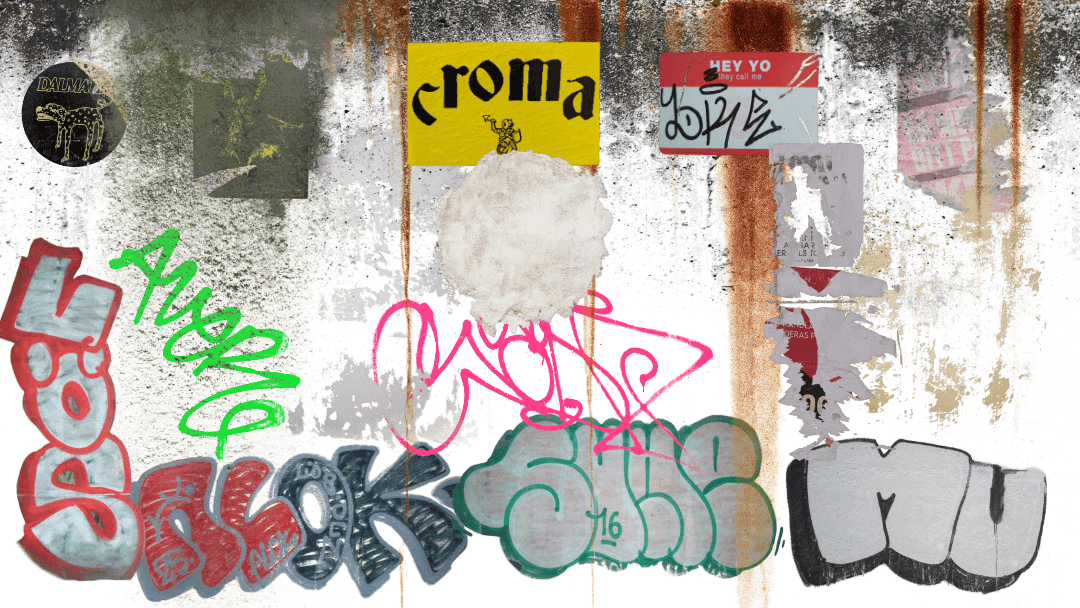
Graffiti & street art
Water leaks & stains
Dirt & grime
Scratches & damage
Stickers & labels
And more.
Get AoD Decal Engine
$15.00
$29.00
Your purchase includes:
AoD Decal Engine 1.0
120+ ready-to-use decals
All current features
Free updates for life
7-day money-back guarantee
FAQ
This plugin is developed for Blender 5.2+.
Yes, both render engines are supported.
No. The plugin lets you spawn and position decals directly in the viewport without manually unwrapping your meshes.
The AoD Decal Engine plugin and access to the included decal library, currently containing 120+ decals.
Yes. All future plugin updates are free.
You have 7 days to try it. If you're not satisfied, you can request a full refund.